
Live streaming Sydney
Live streaming production in Sydney
We produce professional live broadcasts for corporate events, company updates, presentations, training and hybrid events.
Discuss your project ↗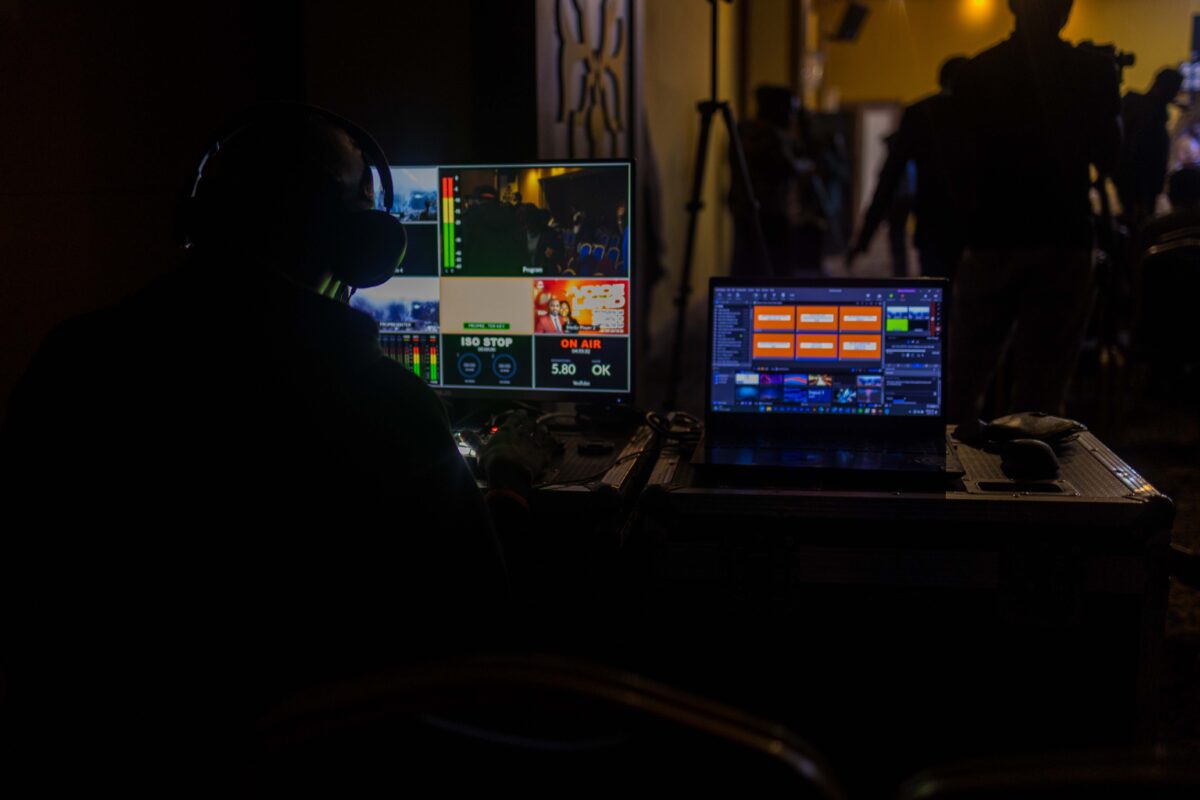
What it is
Professional live video for audiences who cannot be in the room
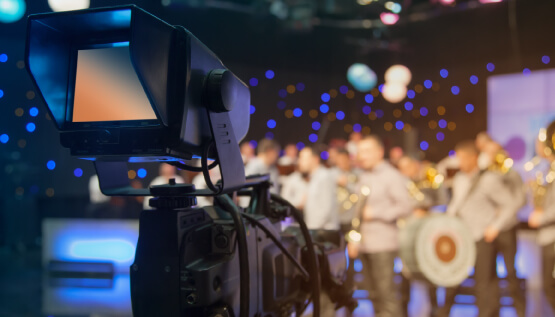
Live streaming sends your event to viewers as it happens. We produce streams for corporate updates, presentations, annual meetings, training, conferences and hybrid events across Sydney.
The audience can watch from another office, city or country through a public or private platform. The broadcast can include presenters, slides, videos, branded graphics, remote speakers and audience questions.
What clients say
Yarrington
“The footage looks amazing, thanks! Thanks for helping us out on this and for being really easy to deal with.”
Simon Carswell · Video Production Manager, Yarrington

What viewers see
Cameras, slides, videos and speakers combined into one broadcast
A live director switches between cameras, presentation slides, pre-recorded videos and remote speakers. Titles, name graphics, holding screens and event branding can be included.
Clear sound is just as important as the pictures. Presenter microphones, venue audio, remote contributors and video playback are checked and monitored throughout the broadcast.
How it works
We prepare the broadcast, run it live and supply the recording
Before the event, we confirm the audience, platform, access, run sheet, speakers, presentation material and level of interaction. We also test the venue internet and arrange rehearsals or remote speaker checks where needed.
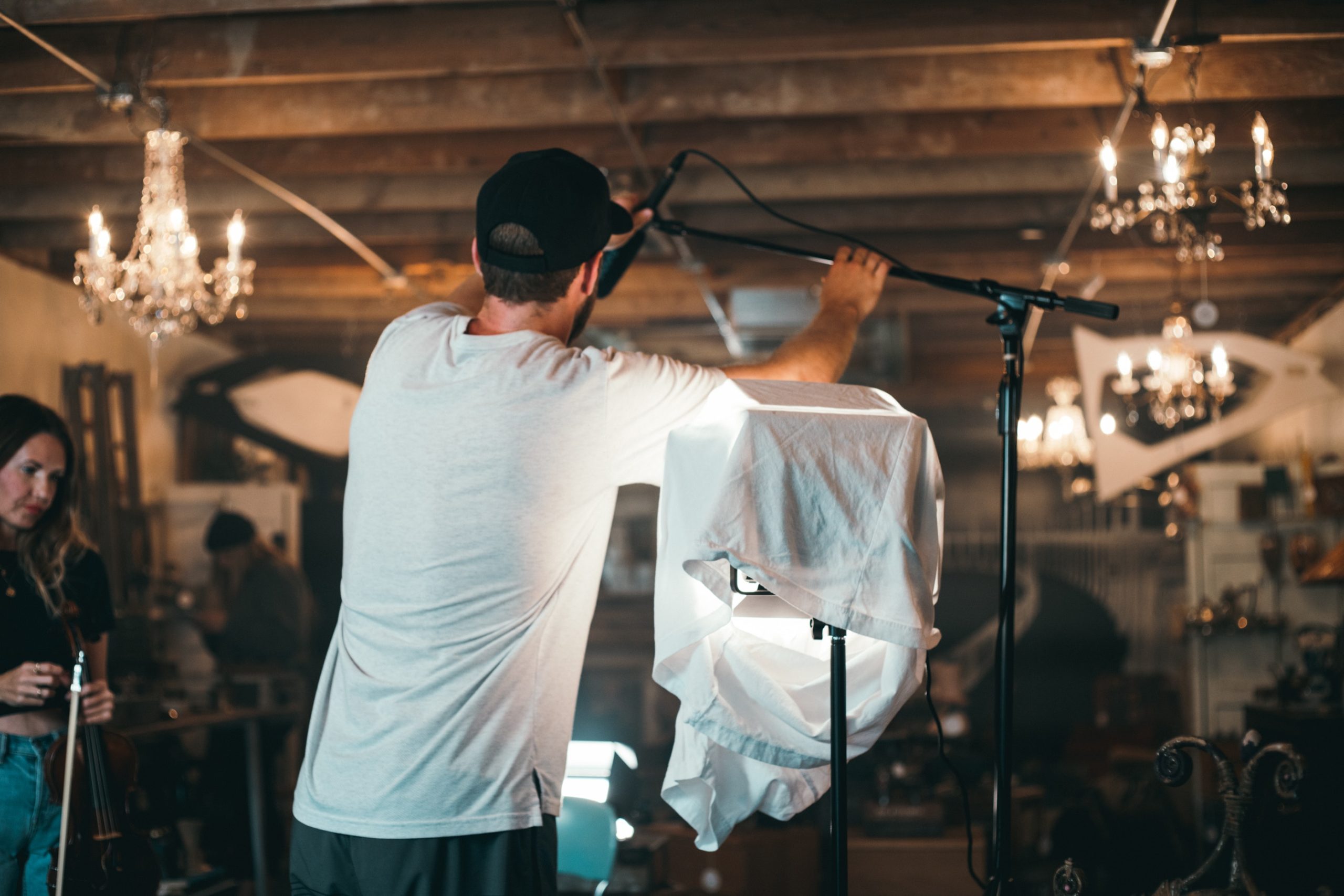
On the day, the crew sets up early, tests the complete program and manages the broadcast from start to finish. After the stream, we supply the recording and can create presentation videos, highlights or shorter edits.
What is included
A complete live production for the room and the online audience
The scope is matched to the event, platform and number of speakers.
- 01
Multi-camera production
Cameras, switching, sound and crew sized for the venue and event.
- 02
Presentation and event content
Slides, videos, titles, branding and remote speakers added to the live program.
- 03
Viewer access and interaction
Public or private streaming, audience questions and platform setup as required.
- 04
Recording and edited versions
A recording for replay, plus presentations, highlights or short edits where included.
Frequently asked questions
What clients usually want to know
How much does live streaming production in Sydney cost?
Cost depends on the event duration, venue, number of cameras and crew, streaming platform, remote speakers, graphics and recording requirements. We provide an itemised quote after reviewing the run sheet and broadcast requirements.
Which platforms can you stream to?
We can produce broadcasts for common public, private and enterprise streaming platforms. The right platform depends on who needs access, your security requirements and whether viewers need to ask questions or interact.
Can the live stream be private?
Yes. The broadcast can be set up for an invited or internal audience where the selected platform supports private access.
Can remote speakers join the broadcast?
Yes. Remote speakers can be brought into the live program alongside presenters at the venue. We arrange technical checks and speaker guidance before the event.
What internet connection do we need?
The venue needs a stable connection with enough upload capacity for the planned broadcast. We test or assess the connection and recommend dedicated or backup connectivity where appropriate.
Will we receive a recording?
Yes. We can supply the completed broadcast for replay and create separate presentation videos, event highlights or shorter edits if they are included in the scope.
Live streaming production Sydney
Tell us about the event and online audience
Share the venue, date, run sheet, platform and expected viewers. We will recommend a practical live production and itemised quote.
Talk to the producer ↗